TR-069 Emulator Documentation
Welcome to the documentation for the TR-069 Emulator — a comprehensive platform for simulating TR-069/CWMP CPE devices.
Project Overview
The TR-069 Emulator is a versatile tool designed to simulate TR-069 CPE devices for testing and development purposes. It provides a graphical web interface and a REST API for automation, allowing you to test ACS implementations.
Key Features
-
TR-069/CWMP Protocol Support — Full TR-069 CPE simulation, incl. the full CWMP RPC set (see Protocol Support)
-
Web Interface — User-friendly browser-based control panel
-
REST API — Full API for automation and integration
-
Multiple Device Simulation — Simulate single or multiple CPE devices simultaneously
-
Parameter Management — Configurable device parameters via XML files
-
Periodic Inform — Configurable periodic inform intervals
-
Connection Request — ACS-initiated sessions over HTTP, XMPP and UDP/STUN
-
Transfer Emulation — Firmware download/upload simulation (HTTP & FTP)
-
Diagnostics — IP Ping, TraceRoute, Download/Upload, UDP Echo, WiFi scan
-
TR-157 — Software Modules (Deployment Units) and Bulk Data Collection
Two Operating Modes
The emulator opens on a landing page (http://localhost:8555) that offers two modes:
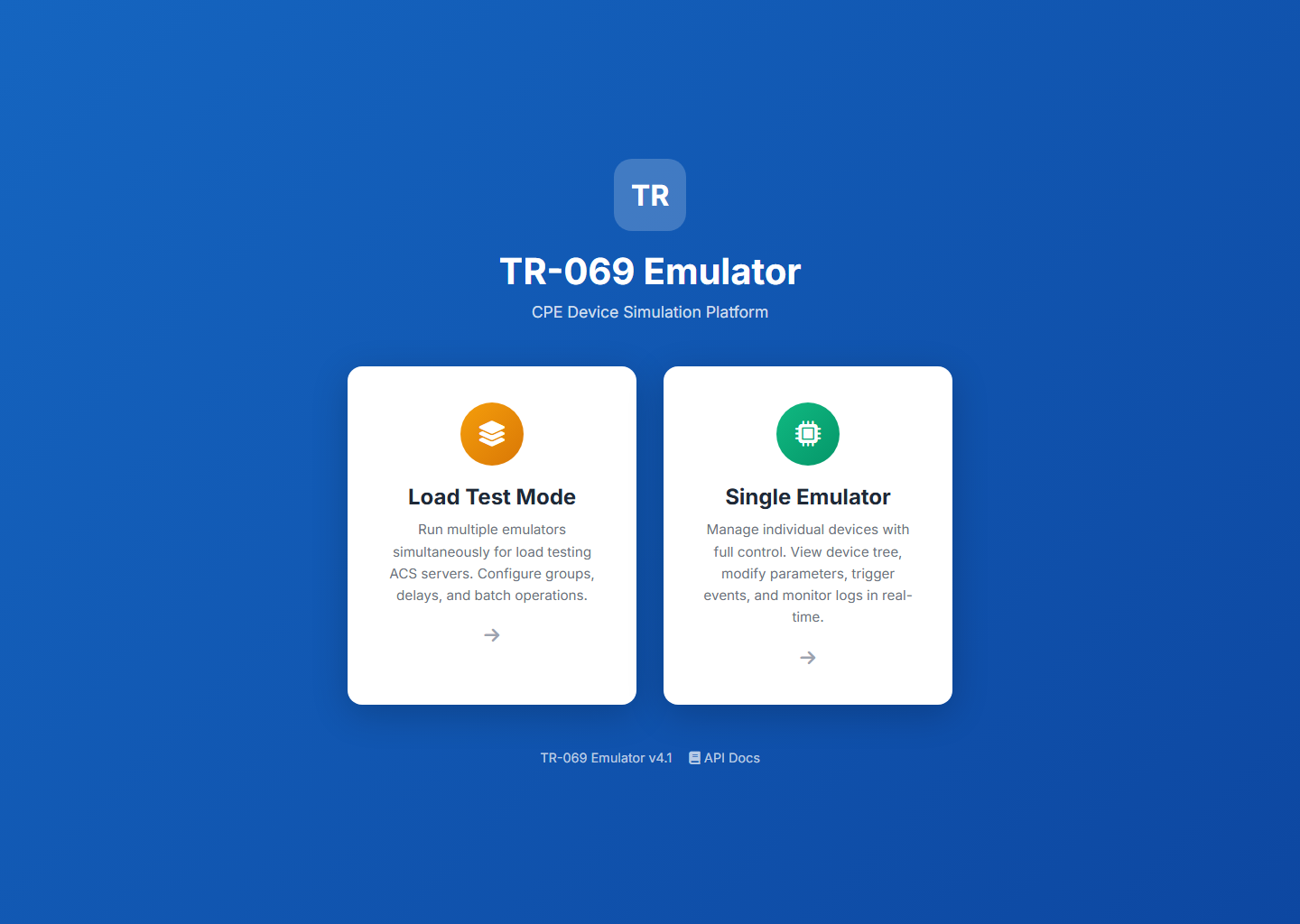
| Mode | When to use | URL |
|---|---|---|
Spin up many CPE devices at once to stress-test an ACS — groups, concurrency, registration delays and batch actions. |
|
|
Work with one device at a time with full control: browse the parameter tree, edit values, trigger TR-069 events and watch live logs. |
|
Contents
-
Installation & Deployment — Docker deployment, configuration, environment variables, troubleshooting.
-
Load Test Mode — Bulk device simulation for stress testing.
-
Single Emulator Mode — Granular per-device control with parameter tree, events, and live logs.
-
REST API — Full reference for both the
/api(Load Test) and/apiV2(Single Mode) controllers. -
TR-069 Protocol Support — Supported CWMP RPC methods, Connection Request transports (HTTP/XMPP/UDP-STUN), diagnostics, Software Modules and Bulk Data (TR-157).
Quick Start
The fastest way to get a running emulator (assumes Docker is installed):
docker login hub.friendly-tech.com
docker run -d --name tr069-emulator \
  -p 8555:8555 -p 9999:9999 \
  -e CONNECTION_REQUEST_HOST=<acs-reachable-ip> \
  hub.friendly-tech.com/emulator/tr069:latest
Then open http://localhost:8555, choose a mode, and start your first device:
-
Configure the ACS connection (protocol, host, port, URL path).
-
Select a parameter tree XML file for the device data model.
-
Enter a serial number and click Start to begin emulation.
For full deployment instructions, see Installation & Deployment. New to the UI? See Load Test Mode — Getting Started or Single Mode — Starting a Device.