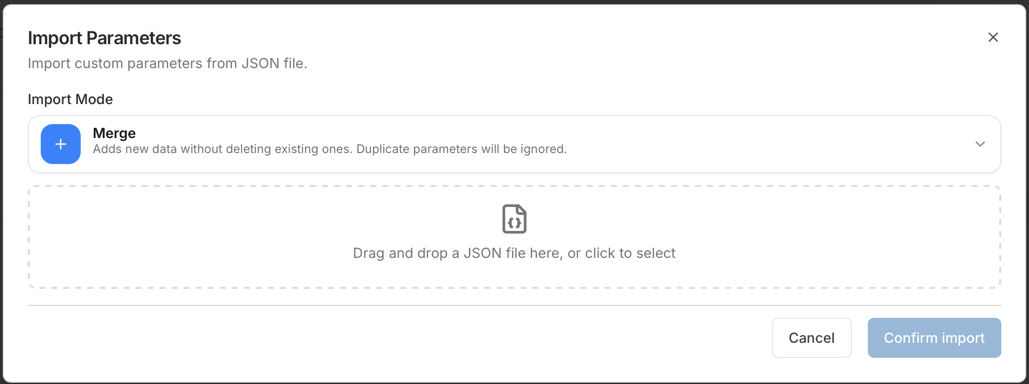
Import with Dry-run
This page shows how to apply configuration changes from a file or a JSON payload in a safe way.
Import with dry-run
-
Export a snapshot first. See Export a Snapshot.
-
Open the module and the Import dialog.
-
Select the import mode, MERGE or REPLACE, if the module offers it.
-
Upload the file, or paste the JSON.
-
Run Dry-run.
-
Review the dry-run summary and warnings.
-
If the dry-run is clean and you accept the plan, confirm Import.
-
Refresh the page and check the result.
Expected result: the module shows the imported entries.
Import safety checklist
-
Check the environment name.
-
Check the selected client type. It must match the file.
-
Export a snapshot before you change data.
-
Run Dry-run and review:
-
the errors: you must fix them,
-
the warnings: you must understand them,
-
the create, update, and delete counts.
-
-
If you use REPLACE, review the deletions in the dry-run plan. Continue only if you accept them.
-
Apply the import.
-
Refresh the page and open the changed entries to check them.
Review the dry-run
Check these items in the dry-run:
-
Errors: fix them before you import.
-
Warnings: understand the impact, especially with REPLACE.
-
Counts: created, updated, deleted, and duplicate entries.
-
Preview samples: check the changed objects.